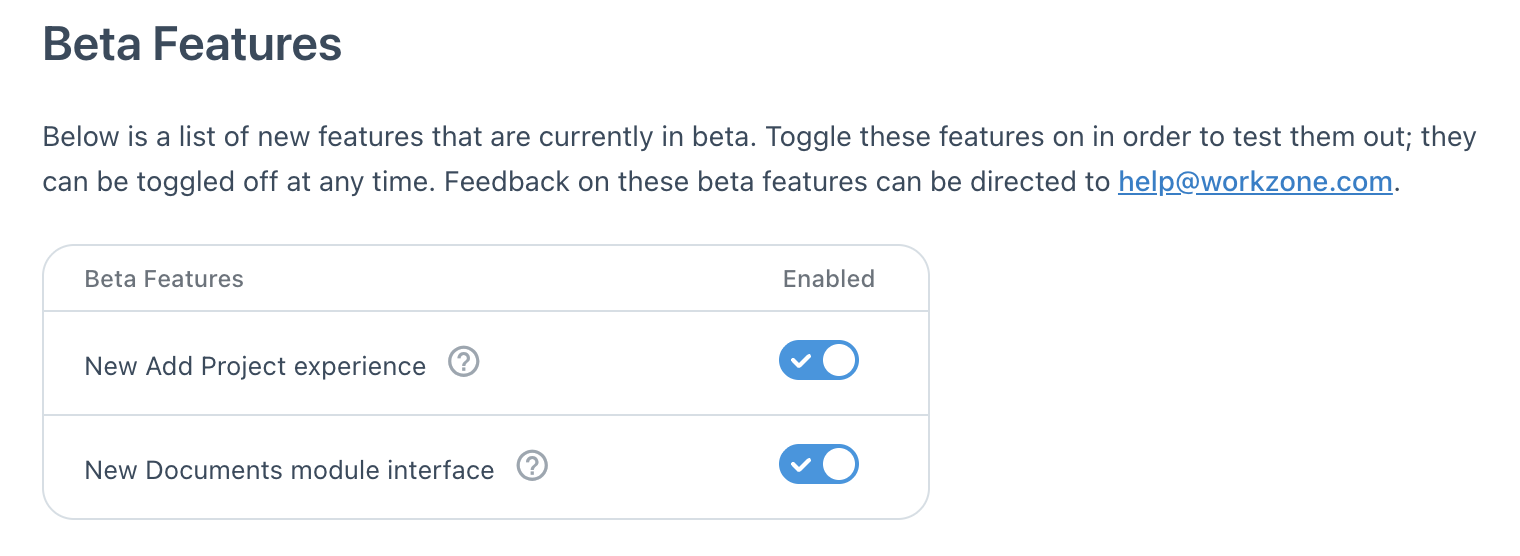
Beta Features
Workzone will periodically have new features available in beta form. Any available beta features can be toggled on or off via this settings page on a user-by-user basis.
The toggles for beta features can be found by navigating to My Settings (found in the User menu in the top right of Workzone) and clicking the Beta Features option on the left side. This page will display all available betas, each of which can be enabled or disabled separately (they will all be disabled by default).
We value customer feedback on the new features we're building, so feel free to reach out with any feedback on our beta features by contacting us via the help menu in Workzone or email us at help@workzone.com